 Patchwell
Small teams that don't have an IT department yet.
Studios, agencies and product teams between ten and two hundred people, usually across a couple of cities. Patchwell gives them a helpdesk that lives where they already talk — no portal, no ticket queue to log into, no "have you tried turning it off and on".
- DesksLisbon and Tallinn, with on-site visits in Berlin too
- HoursMon-Fri 08:00-20:00 CET, P1 on-call at any hour
- First response15 min for a P1, 1 hour for a P2, next day for a P3
- Runs insideYour own Slack workspace — the bot reads only its mentions and DMs

Eight things you can ask for, by code
Every request Patch handles has a code and a turnaround. Ask it about any of them — it answers from exactly this catalogue, served by the helpdesk's own MCP server, not a guess at what an IT vendor "probably" does.
Onboarding & offboarding
Laptop enrolled and shipped, accounts live before day one; everything closed within an hour of a leaver.
Access requests
SaaS seats, groups, drives and VPN profiles, routed to the right approver with a one-tap approve.
Device repair & loaners
A loaner couriered within 24 hours in the EU and UK; the broken one goes to a certified repairer.
Password, MFA & lockouts
Lost the phone with the authenticator? A manager confirms in Slack and MFA is re-enrolled in minutes.
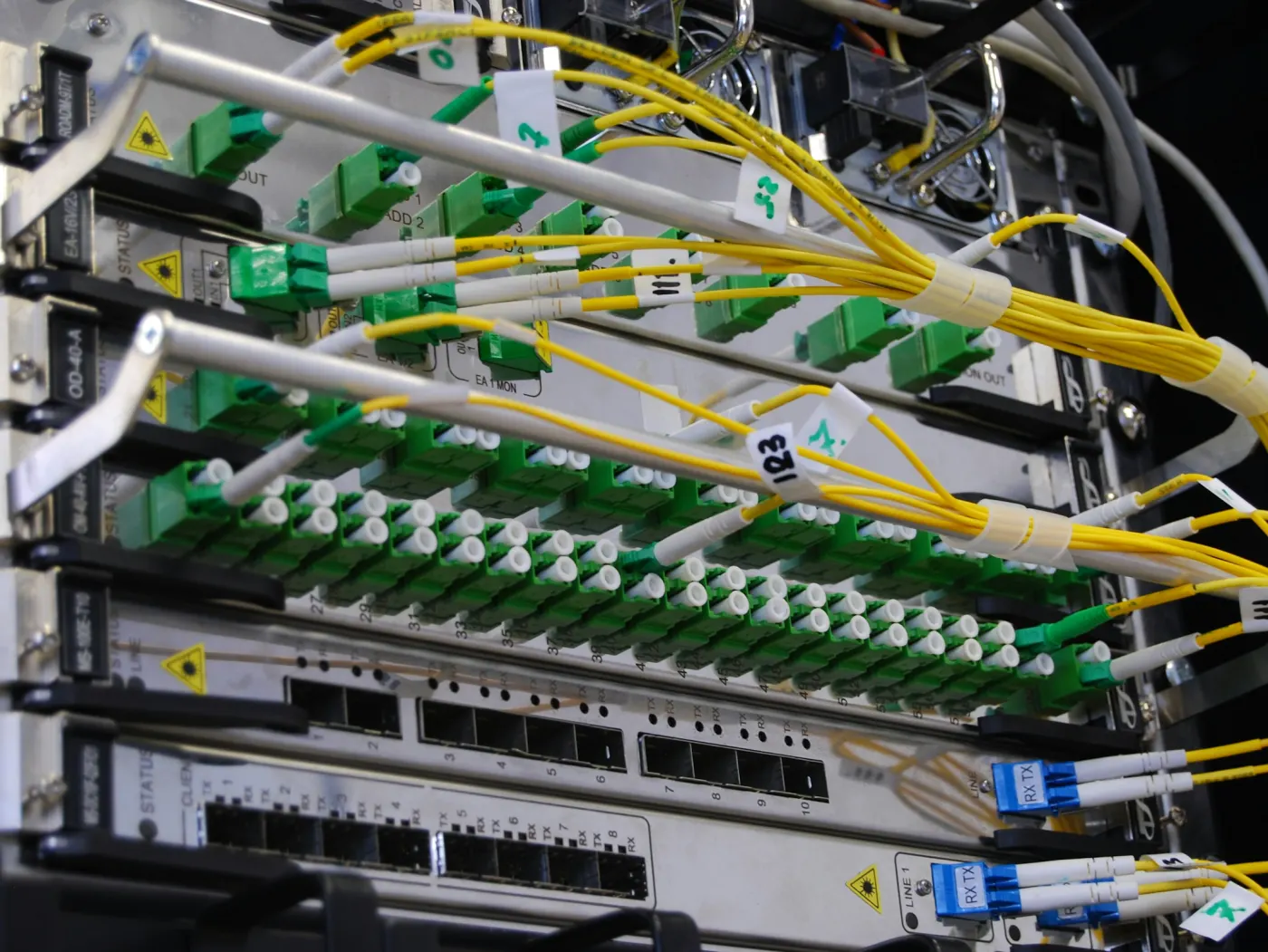 Network & Wi-Fi — PW-NET
Network & Wi-Fi
Office Wi-Fi, guest networks, VPN and printers, monitored and documented; on-site the next business day.
Security baseline
Disk encryption, automatic patching, MDM enrolment and phishing reports from Slack; a monthly posture report.
 Device setup — PW-ONB
Licences & renewals
Every SaaS contract in one register, seats reconciled monthly, renewal notices sixty days ahead.
Status & incidents
An incident is posted to your #it-help within five minutes of detection, with updates until it's closed.
Priced per person, month to month
Pick by team size. Ask Patch which plan covers a loaner laptop or an on-site visit — it reads these plans, not a brochure.
Starter
- Onboarding & offboarding
- Access requests
- Password, MFA & lockouts
- Status & incident updates
- Helpdesk-hours cover
Team
- Everything in Starter
- Device repair & loaners
- Network & Wi-Fi
- Security baseline
- P1 on-call at any hour
Scale
- Everything in Team
- Licences & renewals
- A named lead engineer
- Quarterly audit pack
Raising a ticket shouldn't need a form on a portal.
Tell Patch what's broken — it opens a short card right in the chat for the category, the urgency and where to send updates, one tap to submit, instead of asking for each detail in turn. Requesting a seat in Notion or GitHub works the same way, and the approver gets it in Slack.

Live status board
- Single sign-onOperational
- Email & calendarOperational
- Office Wi-FiOperational
- VPN (Berlin gateway)Degraded
- Device managementOperational
The board above is served by the same status tool Patch calls — ask "is the VPN down?" and compare.
Need a human? Email desk@patchwell.example, or ask Patch for an engineer and a colleague from the desk joins the same thread.
This is what a team sees in #it-help.
Not a recording and not a mock-up: the window below wraps the exact live assistant in the chrome of a Slack workspace, so you can read the conversation the way a teammate would after typing @Patch.
Everything in this window runs on Patch's real brain, the catalogue, the status board and the ticket tools from the sections above — only the wrapper is Slack's. Ask about a plan, open a ticket, or ask for a person, right here.
Open in SlackPatchwell's own Slack app is being connected to this workspace; until it is, the button keeps you on this page. The channel itself is live on the platform — see the proof below.
How the thread reaches the helpdesk
The same brain and tools as the window above, delivered the way Slack's Events API actually works.
Someone mentions the bot
A teammate writes @Patch in #it-help or opens a DM. The team always starts the conversation; the helpdesk never posts unasked.
Slack delivers the event
The mention arrives at the workspace's Events URL, its signature is checked, and it becomes a visitor turn with the same tool floor as the web chat — no platform tools ever reach a Slack user.
Patch answers in the thread
Catalogue, status, a ticket card or a hand-off — posted as a threaded reply, so the channel stays readable and an engineer can pick the thread up.
Nine capabilities, each with its own guide
What this page really does, block by block, and the exact doc for putting the same on your own site.
The chat, from one script tag
The bubble in the corner and the Slack window above are one live product on a workspace of its own; a single line of HTML put it here.
Grounded in Patchwell's own pages
The catalogue, plans, hours and FAQ were published to the workspace as text. Answers quote them; anything outside gets an honest "I don't know".
It can work the page
Eight actions are registered on this page over WebMCP — search the help articles, check status, open a ticket. Ask for one and watch it run without leaving the chat.
It reaches the systems behind the page
Patchwell runs a small MCP server of its own, connected to the workspace. Tickets, access requests and the status board come from there over HTTPS — the same answer in Slack as in this tab.
How to add this to your site →It knows who's asking
Sign in as the demo customer below and Patch can pull up that customer's own tickets, access requests and plan — for her and nobody else.
An engineer can take over
Say "talk to a person" and the thread lands in the desk's inbox mid-conversation — the operator replies into the same thread, on the web and in Slack, no restart.
Readable without a browser
An agent that never renders this page can still work with it: a plain-text brief, a tool manifest, the full corpus in one request and the live schema behind every helpdesk action.
The six layers, checked →Useful before anyone signs in
Signed out, the catalogue, plans, hours, how-tos and status are still answerable — to a visitor and to any agent. Only a customer's own tickets wait for a signed-in proof of who's asking.
Honest about the channel
The window above is labelled for what it is at any moment: the real assistant in a faithful frame, and a real workspace link only once the helpdesk's Slack app is connected — never an invented bot handle.
See every channel's real status →Two checkers grade any address, this page included: one scores how ready a site is for AI agents, the other lists the tools a page publishes.
Sign in and Patch already has your tickets
A throwaway demo customer is provided — no password, no real person, no real company.
Demo customer: Maya Okafor, operations lead at Fernwood Studio (Team plan, 34 seats) — one ticket in progress (PW-2041), one resolved (PW-2017) and one access request awaiting approval (AR-118). A throwaway public demo identity, not a real person.
Quieter Mondays, they say
"New starter's laptop was on her desk before she was, with everything signed in. Onboarding used to take me a whole day."
"Lost my phone in Lisbon airport with the authenticator on it. MFA reset from Slack in eight minutes, no ticket number, no phone call."
"When the Berlin VPN gateway degraded, #it-help knew before we did. That's the whole point."
A few things teams ask first
- Do we need to install anything on our laptops?
- The Patchwell app (menu-bar on macOS, tray on Windows) handles VPN, printers and enrolment; it ships pre-installed on any laptop Patchwell provisions, and existing laptops enrol in about five minutes.
- Can Patch see our Slack messages?
- Only the messages that @-mention it or are sent to it directly; it never reads other channels.
- What happens if the whole office loses internet?
- That's a P1 — the on-call engineer is paged within 15 minutes, and status updates go to #it-help from the engineer's phone until it's back.
- Do you support Windows and Linux as well as macOS?
- macOS and Windows fully; Linux laptops are supported for access, VPN and the security baseline but not for the loaner programme.
- Can we keep our existing IT person?
- Yes — many teams use Patchwell as the first line and escalate to their own person or vendor; the hand-off is a mention in the thread.